Adobe Creative Cloud at $69.99/Seat: The Dormant-Seat Audit Most Enterprises Skip
If you run finance at a 5,000-employee company, your Adobe Creative Cloud line is almost certainly the largest per-seat SaaS bill on your design side — $69.99/seat/month for All Apps, list — and almost certainly the most dormant. The lever is not AI. The lever is the contracted-minus-active delta you can pull off Okta or Azure AD before your next true-up call.
Why Adobe sits in a different bucket than Figma or Canva
Three tools dominate enterprise design spend. The catalog list prices are unambiguous: Adobe Creative Cloud at $69.99/seat/month, Figma at $16/seat/month, Canva at $10/seat/month. Adobe is 4.4x Figma per seat and 7x Canva.
What makes Adobe distinct is not the price tag — it's the catalog's aiReplacementPotential of just 0.25 for All Apps. Compare that to Zendesk at 0.60 (Decagon, Sierra, Intercom Fin all target it), or even Confluence at 0.40 (Glean replaces 40% of search-heavy seats). Adobe sits in a category where AI tooling — Firefly, Midjourney, Runway — augments designers rather than replacing their licenses. A motion designer using Generative Fill inside Premiere still needs the Premiere seat.
That 0.25 number matters because it tells you where the savings actually live. On Zendesk, an audit conversation starts with "which seats can Decagon deflect?" On Adobe, that conversation generates rounding-error savings. The conversation that matters is "how many All Apps licenses are sitting dormant in Okta this quarter?"
This is why Adobe shows up on the hidden cost of auto-renewal clauses shortlist for nearly every enterprise we look at. The economics of the renegotiation are entirely about contracted-vs-active reconciliation, not AI compression.
The dormancy pattern is consistent across enterprise design stacks
What we see across enterprise customers is a recurring pattern: an org commits to All Apps for the entire marketing, product, and brand functions during a multi-year Enterprise Term License Agreement (ETLA), then never re-baselines. The original sizing was built around a perceived future state — "every PM will use XD," "every marketer will touch Premiere" — that never materialized.
A few drivers explain the persistent over-provisioning:
Bundled-license inertia. Most Adobe enterprise deals are sold as flat All Apps SKUs rather than single-app SKUs ($22.99 for Photoshop only, $22.99 for Illustrator only). Procurement asked for "simplicity at renewal" three years ago and got it — at a $47 per-seat premium for the bundle versus single-app, applied to everyone.
Departure leakage. When a designer leaves, the license rarely gets reclaimed in the same pay period. At 10% annual designer turnover on a 1,000-seat deployment, that's ~100 ghost seats burning $84K/yr until someone audits them.
Procurement-team adoption. Adobe Acrobat Pro is included in All Apps but is also widely deployed as a standalone $19.99/seat/month SKU to non-designers. Many enterprises end up paying twice — once via All Apps for a marketer who only uses Acrobat, once via the Acrobat-only deployment for legal and finance.
XD sunset overhang. When Adobe deprecated XD in 2023, many orgs kept the All Apps license assigned to former XD users even though those users had moved entirely to Figma. The license stayed on the invoice; the active-seat count dropped.
None of this is news to a procurement team that audits monthly. It is uniformly news to a CFO seeing the consolidated number for the first time.
The audit that actually moves the number
The audit is two queries and a spreadsheet. It does not require any AI tooling, any new SaaS platform, or any vendor cooperation.
Step one — contracted seat count. Pull this from your Adobe VIP or ETLA agreement. This is the number you committed to and are paying for monthly. It does not change between true-up cycles.
Step two — active seat count. Pull this from your identity provider. Okta, Azure AD, and Google Workspace all carry "last sign-in" timestamps for assigned Adobe applications. Define "active" as "logged into any Creative Cloud app in the last 30 days." Some teams use 60 or 90 days for seasonal users; the conservative threshold is 30.
Step three — the delta. Contracted minus active is your dormant-seat count. Multiply by $69.99 and 12 to get the annual dollar figure you're paying for licenses no one used last month.
The mechanics of this are exactly what we walk through in how to find unused SaaS licenses for any per-seat tool. Adobe is the highest-impact instance of the same workflow because of the per-seat list price.
A typical 30% dormancy rate is what we observe at the 5K-employee scale and above. It is not unusual to see 40% at orgs where the All Apps SKU was originally deployed enterprise-wide as a "creative enablement" initiative that never landed.
The renegotiation conversation is structurally different from AI compression
When a CFO asks "where is my biggest SaaS lever?", the answer for most categories looks like this:
- Customer support: deploy Decagon, compress Zendesk by 50–65% (after the source-discount and category-cap math in our compression methodology).
- Sales engagement: deploy AiSDR class, compress Outreach by ~30%.
- Knowledge management: deploy Glean, compress Confluence by 40%.
For Adobe, the answer is structurally different. You are not asking an AI agent to do the work of a designer; you are asking your procurement team to right-size the seat count to actual usage. The realization factor in our engine reflects that — REALIZATION_RENEGOTIATE = 0.5 is what we apply to seat-reduction asks at the contract level. Procurement outcome data from Vendr, Spendflo, and Tropic case-study aggregates puts seat-reduction asks landing at 40–60% of theoretical max after vendor pushback, multi-year locks, and minimum commitments — so we discount the theoretical waste figure by half to get a defensible year-one number.
Adobe makes this harder than Salesforce or Slack for two reasons. First, ETLA agreements are typically three-year terms with no mid-term true-down rights — you can add seats but not remove them until the renewal window opens. Second, Adobe sales has a well-documented playbook of offering "creative cloud expanded" SKUs at renewal that bundle in Adobe Stock, Adobe Express premium, and Firefly credits at a small per-seat premium, which tends to absorb the savings from any seat reduction unless you negotiate them out explicitly.
The negotiation lever that actually works is to walk in with the IdP report. "We have 8,000 All Apps licenses; Okta shows 5,600 active in the last 30 days. We are renewing at 5,600 seats, plus a 10% buffer for new hires, capped at 6,200." Adobe will counter with multi-year commitments, expanded SKUs, and Firefly bundles. The IdP report is what keeps the conversation anchored to reality.
Worked example: a 12,000-employee enterprise
Consider a synthetic 12,000-employee SaaS company — call them BrandCo — running a typical enterprise design stack.
Contracted Adobe footprint. 8,000 All Apps licenses at $69.99/seat/month (a typical ratio for a brand-heavy SaaS with a sizeable marketing org). That is $6.7M/year on Adobe alone, before any other design tooling.
Adjacent design spend. Figma covers 1,200 product and design seats at $16/seat/month → $230K/year. Canva covers 4,000 marketing and field-enablement seats at $10/seat/month → $480K/year. Total design-category spend: ~$7.4M/year, of which Adobe is ~90%.
IdP report. Okta sign-in data shows 5,600 active All Apps users in the last 30 days. The 2,400-seat delta is the dormant pool.
Directional waste calculation. 2,400 seats × $69.99 × 12 = roughly $2.0M/yr of contracted spend with no corresponding active user. This is a directional estimate — the exact number depends on whether you use 30, 60, or 90 days as your activity threshold and how you handle seasonal contractors.
Applying the realization discount. Theoretical maximum savings is $2.0M. Apply REALIZATION_RENEGOTIATE = 0.5 and the year-one defensible number is ~$1.0M. This is the number to put in your renewal forecast. Adobe will resist a full 2,400-seat true-down; multi-year terms will lock you into intermediate buffer counts; the buffer-for-new-hires concession will eat 200–400 seats of the gain. Half of the theoretical, in our experience, is the right anchor.
Why no AI math here. Even if you fully deployed every AI design tool in the catalog, the catalog's 0.25 aiReplacementPotential on Adobe means the ceiling on AI-driven seat compression is floor(5,600 × 0.25) = 1,400 seats of theoretical replacement — but the realistic figure (with realization factors and the fact that AI design tools augment rather than replace licensed seats) is far lower. The dormant-seat audit dominates by an order of magnitude.
What this looks like on the renewal. Walking into the ETLA renewal with 5,600 active + 10% buffer = 6,160 seats, BrandCo can reasonably negotiate to roughly 6,200 contracted seats (a 22.5% reduction from 8,000), saving ~$126K/month or $1.5M/yr at list — discounted to ~$750K/yr after applying the 0.5 realization factor and assuming Adobe extracts some give-back through multi-year terms or expanded SKUs.
A second pass — auditing whether the 4,000 Canva seats actually belong to people who already have Adobe All Apps — typically surfaces another $100K-$300K of duplicate-tooling spend.
What sits underneath: the procurement instinct that misses this
The reason Adobe waste persists at this scale is structural. Adobe accounts are usually owned by marketing or creative leadership, not procurement. The license budget rolls up under "creative enablement" or "brand operations," lines that finance reviews quarterly but rarely audits at the per-seat level. The procurement team that renegotiates Salesforce aggressively often has no visibility into Creative Cloud because it shows up on a different P&L.
The pattern this creates is identical to what we see on auto-renewal traps for sales tooling — the renewal arrives, the marketing team confirms "yes we still need it," and the contract renews at the same seat count. The IdP data was always there; nobody pulled it because nobody on the marketing side was incentivized to.
Bringing this audit into finance ownership is the single change that makes the math work. Some enterprises run this audit quarterly with the IdP admin and report dormant-seat counts to the CFO directly. The simpler version: on the 90-day renewal-window mark, finance pulls the Okta or Azure AD report itself and brings the number to the renewal kickoff meeting.
The bottom line
Adobe Creative Cloud is not an AI-compression story. It is the largest dormant-seat story in the typical enterprise SaaS portfolio, hiding in plain sight because it lives on a P&L line that finance rarely interrogates.
The Monday-morning action is mechanical:
- Confirm your Adobe contracted seat count from the ETLA. Do not trust the vendor's "deployed" number — pull the contract.
- Pull a 30-day active-user report from your IdP for any Creative Cloud SKU. Adobe writes per-app sign-in events; your IdP correlates them to user identity.
- Subtract. Multiply by $69.99 and by 12. That is your annual dormancy waste at list price.
- Discount by 0.5 to get a defensible year-one renegotiation target.
- Calendar the renewal date 120 days out. Adobe ETLAs require 90 days notice; you need a 30-day buffer to run the audit and align stakeholders.
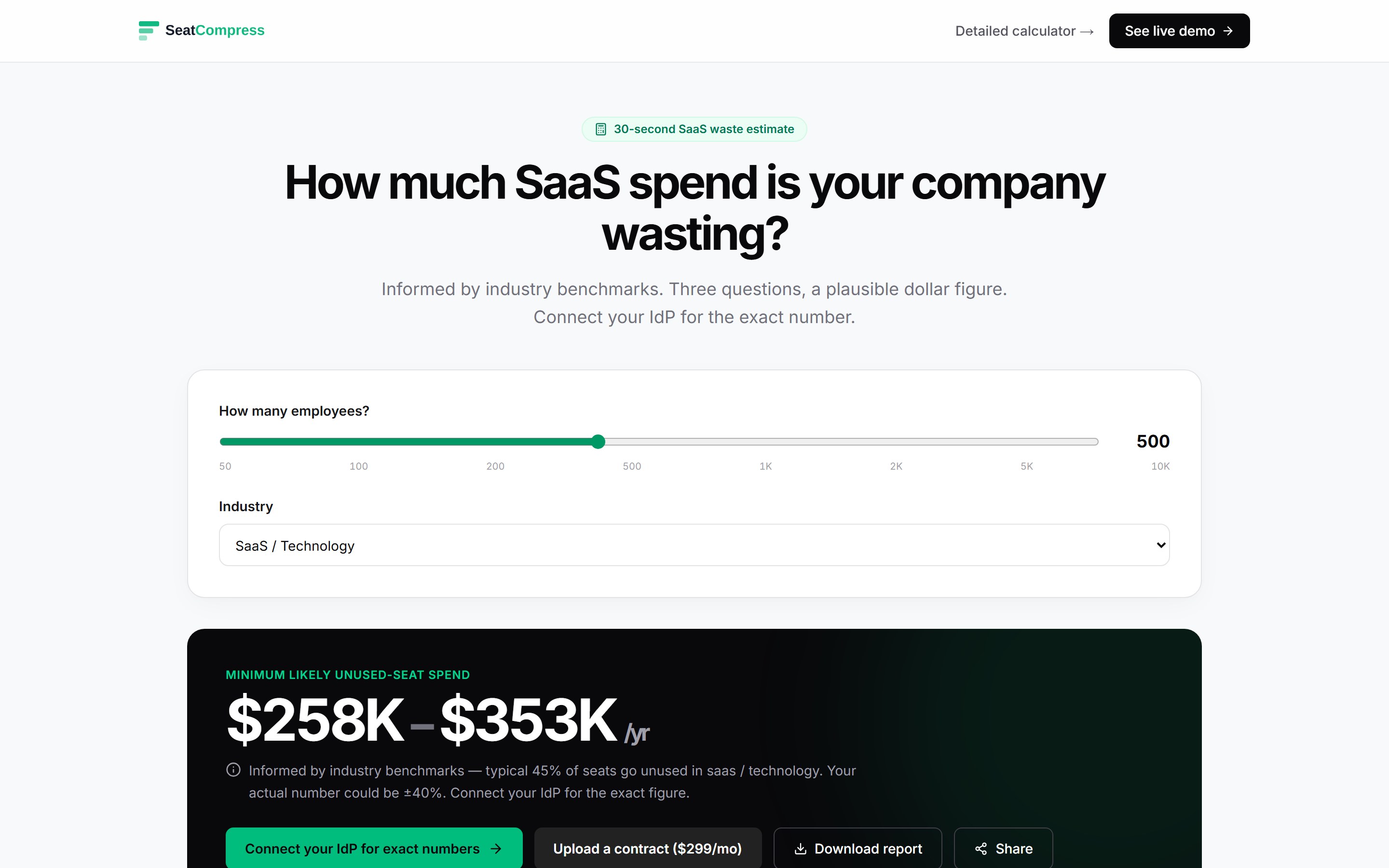
If you want to put real numbers behind any of this for your own stack, the SeatCompress calculator takes seat counts and activity data and runs the same engine. The dormant-seat audit is the input. The 0.5 realization factor is already baked into the year-one output.
For most 5,000-employee enterprises, this one audit moves a number larger than any AI agent deployment they could realistically run in the same quarter. It costs nothing to execute, it requires no vendor cooperation, and the IdP data is already sitting in a system finance is already paying for.
Find your savings number in 30 seconds.
No signup, no credit card. Get the number, screenshot it, and decide if your CFO needs to know about us.