
Snowflake Renewal Playbook: Why Seat-Compression Logic Returns Zero
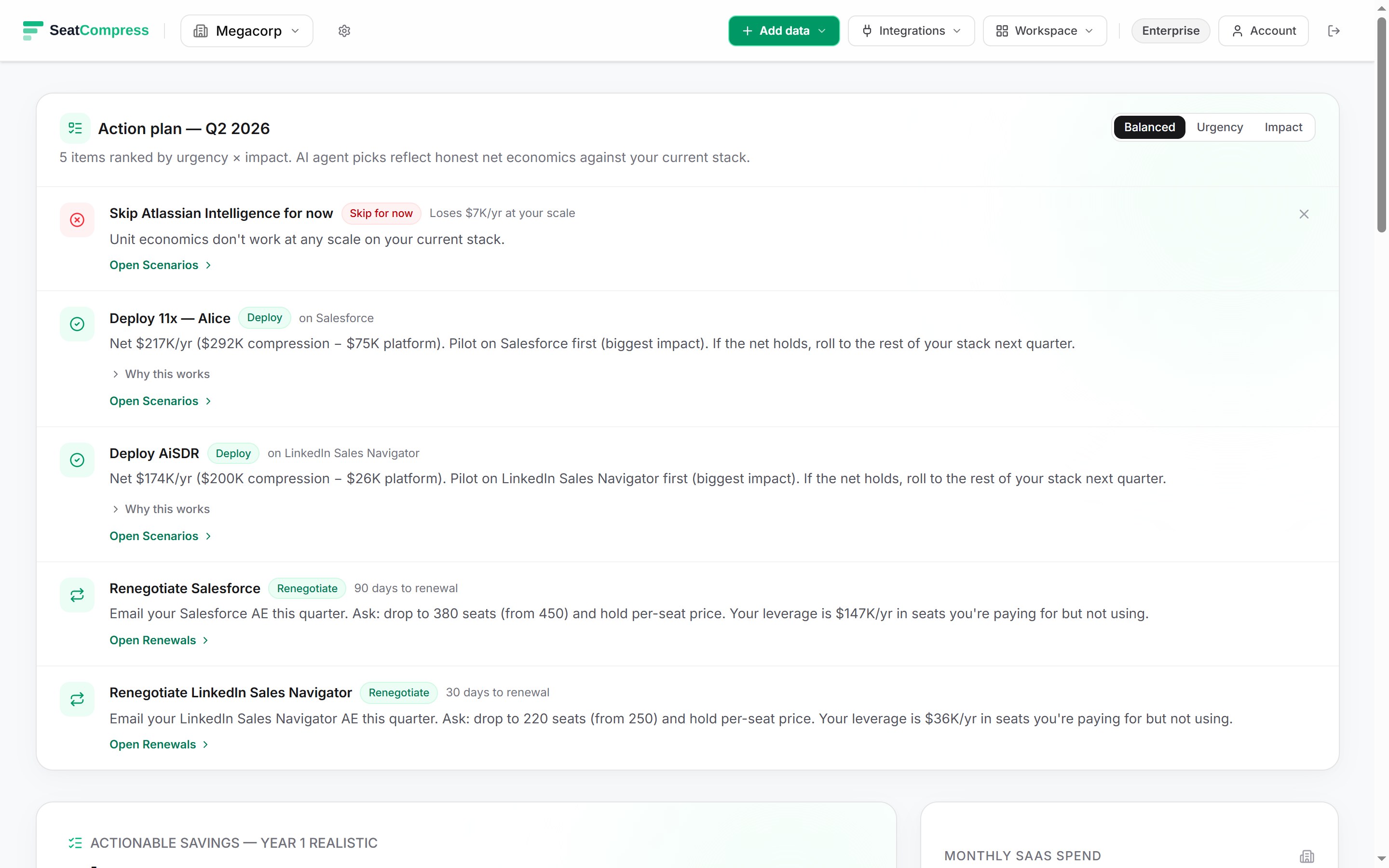
A 25,000-employee enterprise running Snowflake at $150,000 a month has a $1.8M annual renewal coming. Ask your SaaS-spend dashboard what to do about it and the answer is silence: zero unused seats, 100% utilization, no compression lever. The dashboard isn't broken. It's blind to the only pricing dimension Snowflake actually charges on.
Snowflake bills credits — compute time on a tiered warehouse. The "seat" concept barely exists on the contract. What you're buying is warehouse-hours multiplied by a tier multiplier, and the renegotiation levers are pre-purchased credit commits, warehouse right-sizing plus auto-suspend tuning, and tier downgrade on non-regulated workloads. None of them surface on a per-seat dashboard, and that omission is the legacy SaaS-management category's most expensive tell.
This post is the Snowflake-specific playbook. The general methodology lives in Datadog, Splunk, Snowflake: Three Levers for Usage-Priced Contracts; this one drills into the warehouse-tier math and walks an enterprise-scale worked example.
Try the free calculator — 15 seconds, no signup.
Why the seat dashboard returns zero on this row
Snowflake's public pricing page is a credit-and-tier matrix. Standard tier runs about $2 per credit on AWS US-East. Enterprise is roughly $3 per credit — a 1.5× multiplier. Business Critical lands at about $4 per credit, the 2× multiplier you pay for HIPAA-eligible deployments, customer-managed keys, and tri-secret secure. Virtual Private Snowflake is custom pricing in the 3-5× range for dedicated infrastructure. Credit prices vary by cloud and region; Azure and multi-region tier up from the AWS US-East floor.
A credit is one hour of an X-Small warehouse. Warehouse sizes double on each step: X-Small at 1 credit/hr, Small at 2, Medium at 4, Large at 8, X-Large at 16, all the way up to 4X-Large at 128 credits/hr. A Large warehouse left running 24/7 on Enterprise tier burns 8 × 24 × 30 × $3 = $17,280 a month — for one warehouse. Multiply across the BI tier, the ETL tier, the data science sandbox, and the ad-hoc analyst pool and the bill stacks fast.
There is no per-seat denominator anywhere in that math. A Snowflake account with 200 active users running modest queries can cost less than an account with 30 power users running poorly-tuned dashboards against an oversized warehouse. The unused-seats column has nothing to compress because the contract didn't price on seats in the first place. We covered the broader framework in Dimensional SaaS Compression — per-seat is one of four pricing dimensions, and pretending it applies to the other three is what makes the legacy dashboards return zero on this row.
If Snowflake were on a seat dashboard at all, the only honest rendering would be pricingModel: "usage" with the seat-utilization decomposition zeroed — which is how SeatCompress handles Datadog, Splunk, and other usage-priced rows. The renewal date and the renegotiation playbook surface to the right instead.
Lever 1: Pre-purchased credit commit
Snowflake's on-demand list price is the headline number. Customers who sign a Capacity Storage agreement — a pre-purchased credit commitment over a 1- or multi-year term — typically see 10-25% off list at enterprise scale, with the steeper end of the band reserved for multi-year commits and high-volume customers. The pattern matches what AWS, Azure, and GCP do on reserved compute, and the mechanics rhyme.
A few mechanics worth pinning before you sign:
- Commit denomination is dollars, not credits. Snowflake's Capacity agreements typically commit to a contract value, and credits draw against it at the negotiated rate. If credit list prices rise mid-term (they have, on Azure and multi-region tiers), the commit insulates you for the term.
- Carryover and true-up policy varies. Some contracts let unused commit roll forward; others zero it out at term end. The carryover clause is worth more than another point of discount on the rate.
- Overage at list, not at the committed rate. Consume more than committed and the overage runs at PAYG list — giving back some of the discount you just negotiated. This is the commit-undershoot trap, and it's the reason the forecast on this lever matters more than the percentage off.
- Multi-year unlocks a steeper discount but lengthens the forecast. Two-year and three-year terms can reach the 25%+ end of the band at sufficient scale, but you've now committed to a credit-consumption shape two years out — and data platform consumption rarely stays flat.
Lever 1 fires first because it discounts list, and every downstream lever operates on the post-commit bill. On a $1.8M annual base, a conservative 15% commit discount lands at $270K saved in year one; the residual base for Lever 2 is $1.53M.
Lever 2: Warehouse right-sizing and auto-suspend
This is the immediate-savings lever — it does not require a renewal cycle, and most enterprises leave money on the table here for years because the engineering team that provisioned the warehouses isn't the team paying the bill.
Three sub-knobs do most of the work:
Auto-suspend tuning. Snowflake's default auto-suspend on Standard accounts is often 10 minutes — meaning a warehouse that finishes a query at 9:00 keeps burning credits until 9:10 in case another query arrives. For spiky BI workloads, dropping auto-suspend to 60 seconds (the minimum) cuts idle credit burn dramatically. The trade-off is cold-start latency: a suspended warehouse takes a few seconds to resume, which matters for sub-second dashboards but is invisible for analyst-driven queries. Auto-suspend of 60 seconds on a fleet of ten Mediums running 9-5 instead of 24/7 can compress the consumption profile by 40-60% on those warehouses alone.
Warehouse sizing. Each warehouse step doubles credit consumption. A Large warehouse running an analytics workload that would complete only marginally slower on a Medium is overpaying by 2×. The cheapest way to find the right size is the per-query elapsed-time histogram in account_usage — if most queries complete in under 30 seconds on a Large, the workload is almost certainly Medium-shaped. A team that builds a habit of provisioning Large "for safety" can typically cut one full size off 60-70% of their warehouses with no perceptible impact.
Materialized views, clustering keys, and result cache. Snowflake caches query results for 24 hours and returns them at no credit cost when an identical query repeats against unchanged data. Materialized views push pre-computed results to storage in exchange for credits at refresh time. Clustering keys cut the data scanned on large tables. The CFO-relevant point: a BI dashboard hitting Snowflake every 30 seconds and missing the result cache is consuming credits that a properly-clustered materialized view would have served from storage at a fraction of the cost.
Right-sizing typically lands 15-25% off the post-commit bill, depending on how poorly the fleet was sized to begin with. On the $1.53M residual from Lever 1, take the conservative end: 15% × $1.53M = $229K saved. Residual base for Lever 3 is $1.30M.
Lever 3: Tier downgrade on non-regulated workloads
Most enterprises over-buy Business Critical. The procurement story is familiar: legal flagged "we process PII," security agreed, and the account got provisioned at Business Critical so every workload could share the same Snowflake account. Three years later, the dev/staging environments, the data science sandbox, and the marketing analytics warehouse are all running at the 2× multiplier without ever touching regulated data.
The downgrade question is workload-by-workload:
- Standard tier ($2/credit reference) covers most analytics, BI, and ad-hoc data exploration. No HIPAA eligibility, no customer-managed keys, no failover to a second region. For non-regulated dev/staging and marketing-analytics warehouses, Standard is the right SKU.
- Enterprise tier ($3/credit reference) adds multi-cluster warehouses, 90-day time travel, materialized views, dynamic data masking, and column-level security. This is the right floor for production analytics with internal-only data sensitivity.
- Business Critical ($4/credit reference) adds HIPAA / PCI / FedRAMP eligibility, customer-managed keys via Tri-Secret Secure, AWS PrivateLink and Azure Private Link, and cross-region failover. If the workload doesn't process regulated data and doesn't have a written compliance reason for tri-secret keys, it's overpaying.
In practice this is rarely a single-account decision. Most enterprises run multiple Snowflake accounts already (often one per major business unit or per environment), and the downgrade lever lets you keep production-PHI on Business Critical while moving everything else down a tier. The split-account approach also makes audit boundaries cleaner — the regulated workload sits on its own contract line with its own access controls.
A common shape on a $1.8M Snowflake account: 60-70% of consumption is on Enterprise or Business Critical when it could sit on Enterprise or Standard. Moving 40% of consumption from a 1.5× tier to a 1× tier compresses that slice by 33%. Against the $1.30M residual from Lever 2, take 10-15% as the lever-3 contribution — call it $156K at the midpoint (12%).
Why the levers compound, not add
The naive way to model these levers is to apply each percentage to the original $1.8M base and sum: 15% + 15% + 12% = 42% × $1.8M = $756K. That's the additive trap. The savings compound against a shrinking residual, not against the original base, and the right answer is meaningfully lower.
We learned this on the AI Spend right-sizing calculator. The first version stacked five levers additively, and a worst-case scenario computed to 151% of bill — telling CFOs they could save more than they were spending. Embarrassing, and methodologically indefensible. The fix was sequential-residual stacking: levers fire in order, each one operates on the spend remaining after upstream levers have already discounted the base.
Walk the Snowflake math under the residual gate. Notice that each lever saves less in absolute dollars than the one before it, because each is applied to a smaller residual:
- Lever 1 (capacity commit): 15% × $1.8M = $270K saved. Residual: $1.53M.
- Lever 2 (right-sizing + auto-suspend): 15% × $1.53M = $229.5K saved (the same 15% rate, but $40.5K less than Lever 1 because the base shrank). Residual: $1.30M.
- Lever 3 (tier downgrade): 12% × $1.30M = $156K saved (the lowest absolute dollar contribution because the rate is lower and the base has shrunk twice). Residual: $1.15M.
Sequential-residual total: $655.5K/yr against the $1.8M bill — about 36% compression. Compare to the additive number of $756K (42%), and you see the gap: roughly $100K of phantom savings that a CFO would notice when the post-renegotiation P&L lands $100K short of the spreadsheet. The honest CFO presentation quotes a range. With aggressive commit discount (closer to 25%), aggressive right-sizing (25% rather than 15%), and a tier-downgrade slice closer to 15%, the residual lands closer to $900K and the savings approach 50%. With a conservative read on each, you're at the 30% mark. Quote $500K-$900K and let the diligence pass refine the band.
The number to remember: each lever's percentage applies to a smaller base than the one before it. Skip the residual math and the spreadsheet will overstate savings by $100K on this $1.8M deal — exactly the gap that disappoints the CFO when post-renegotiation P&L hits.
Where the math breaks: commit overshoot and undershoot
The most common Snowflake renewal failure mode isn't underpaying for credits — it's miscommitting.
Commit overshoot. You signed a 12-month commit for $1.8M in credits, the data platform consolidation happened ahead of schedule, and you only consumed $1.4M worth. The commit clause doesn't refund the $400K gap. Carryover clauses (where they exist) push the unused amount into the next term, but in a renegotiation cycle that ends up looking like a 22% phantom discount you can't actually take.
Commit undershoot. You signed for $1.8M, the data science team launched a Snowpark workload, and consumption blew past commit at month 8. Overage credits run at PAYG list, not at the committed rate. A 25% headline discount on the commit can erode to an effective 12-15% if a third of consumption ends up at PAYG.
The cleanest defense is a 12-month commit with quarterly true-ups and a written carryover clause. The next-cleanest is a stair-step commit that ramps quarter-over-quarter as the data platform team's forecast firms up. Both are negotiable; both are worth more than another point of discount on the rate. The renewal letter that prevents the commit-overshoot loss is doing more work than the percentage line item suggests.
This is also why Lever 2 — right-sizing — needs to happen before the renewal conversation, not after. Right-sizing reshapes the consumption forecast, and the consumption forecast is the input to the Lever 1 commit. Sign the commit first and the right-sizing savings just become commit overshoot. We covered the broader renewal-pressure mechanic in The Hidden Cost of Auto-Renewal Clauses — Snowflake's renewal mechanics rhyme with the per-seat case but the timing dynamics are sharper because the consumption-shape question is in play.
The bottom line
Snowflake is the canonical "usage-priced returns zero on the seat dashboard" tool. The compression is real — somewhere between 30% and 50% of contract value at enterprise scale — but it doesn't live on the unused-seats column, because Snowflake doesn't price on seats. It lives in the capacity commit, the warehouse fleet right-sizing, and the tier downgrade on the non-regulated slice of the workload mix.
Run the levers sequentially against residuals, not additively. Pull right-sizing before the renewal so the commit reflects the post-right-sized consumption shape, not the bloated baseline. Quote a range to the CFO, not a point estimate, because the spread between conservative and aggressive on each lever moves the total by hundreds of thousands of dollars. And if your current SaaS-spend dashboard is telling you Snowflake has no compression lever, the dashboard is rendering one of four pricing dimensions and zeroing the other three. The other three are where the renegotiation actually lives.
Try the free calculator — 15 seconds, no signup. Usage-priced rows render with a badge and a $0 utilization figure, deliberately. The renewal date and the renegotiation playbook surface to the right of the row, where Snowflake's actual levers live.
Find your savings number in 30 seconds.
No signup, no credit card. Get the number, screenshot it, and decide if your CFO needs to know about us.